← All videos

Securing a Distributed .NET Cache — Authentication & RBAC

Lock down a wide-open cluster from the web console — credentials for people, tokens for apps.

Watch it, or read it

The full walkthrough below — every screen from the video, with the narration transcribed. Skim it, search it, or read it in your own language.
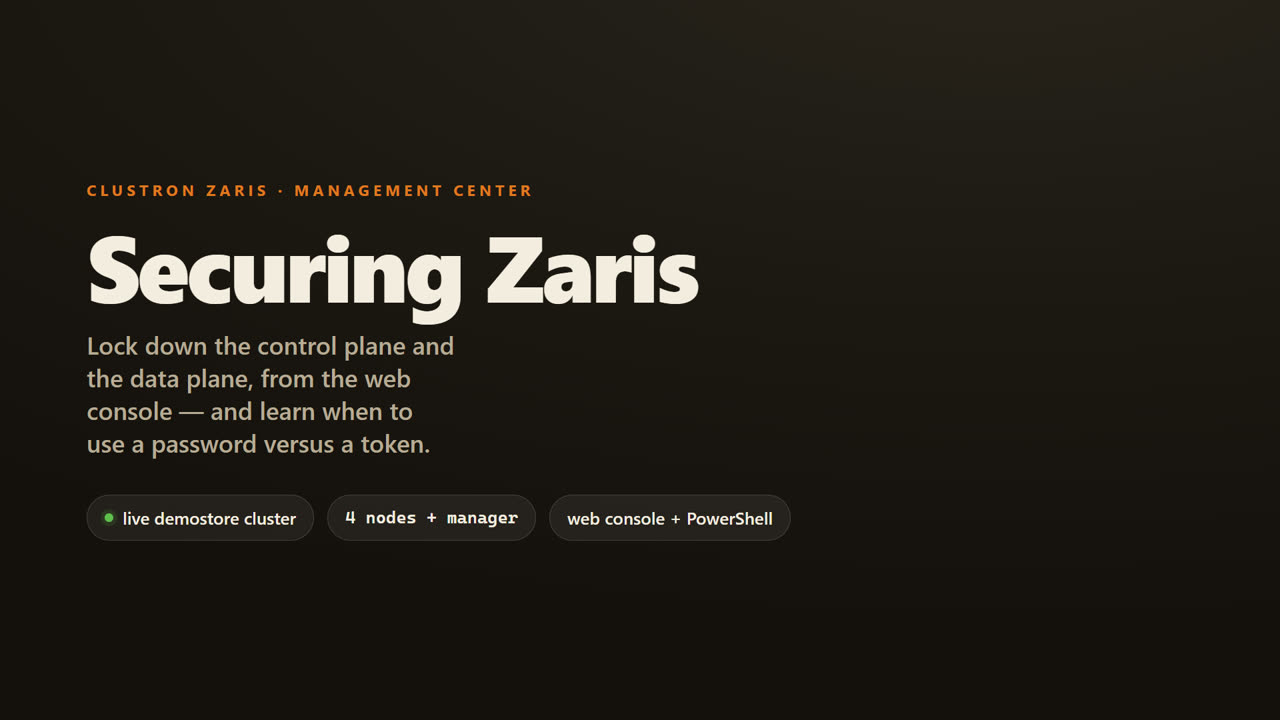
Securing a Distributed .NET Cache — Authentication & RBAC — screen 1
Welcome. In the next few minutes, we will take a Zaris cluster that is wide open, and lock it down completely, from the web console. And along the way, you will learn the single most important idea in Zaris security. When to use a password, and when to use a token. Let us get into it.
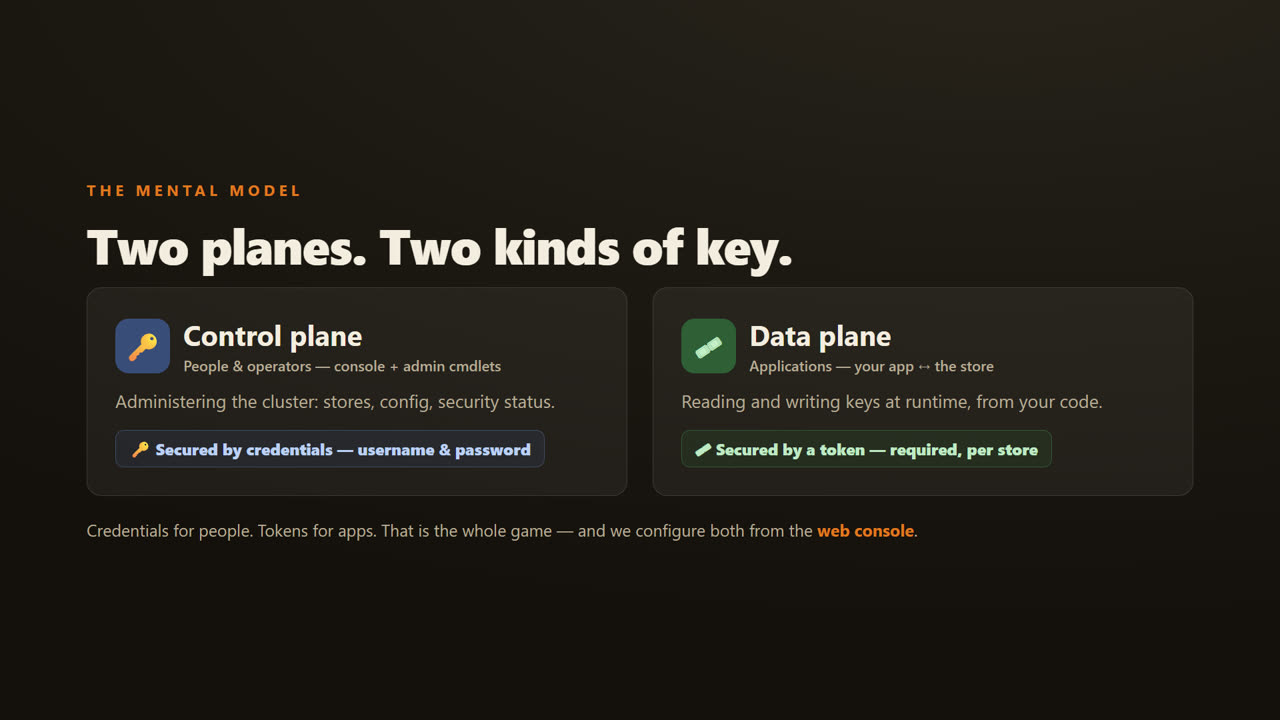
Securing a Distributed .NET Cache — Authentication & RBAC — screen 2
First, the mental model. Zaris has two planes. The control plane is how people and operators administer the cluster. The console, and the admin commands. You protect that with credentials. A username and a password. The data plane is how your application talks to a store. You protect that with a token, required per store. Credentials for people, tokens for apps. That is the whole game, and we configure both from the web console.
Securing a Distributed .NET Cache — Authentication & RBAC — screen 3
Part one. Turn on security, in the console.
Securing a Distributed .NET Cache — Authentication & RBAC — screen 4
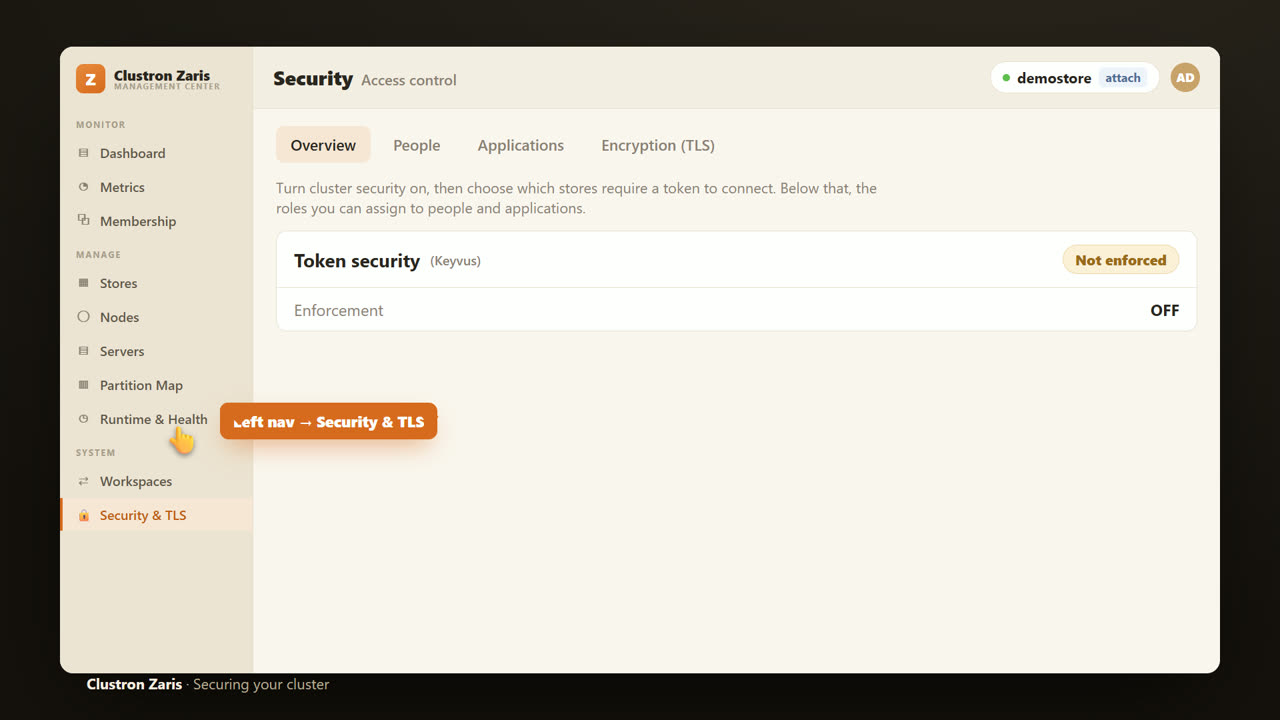
Everything starts in the console. In the left navigation, we open Security and T L S. This is the one page where you turn security on, require tokens per store, and manage people, applications, and roles.
Securing a Distributed .NET Cache — Authentication & RBAC — screen 5
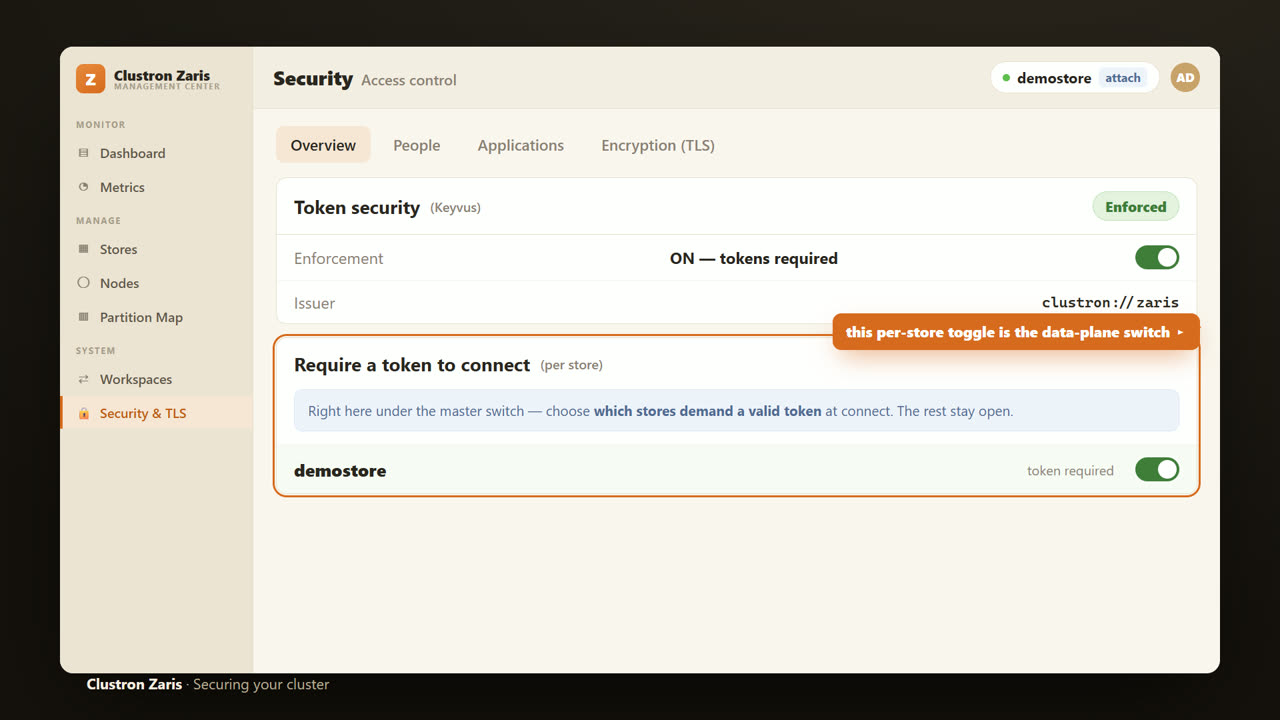
On the Overview tab, we flip the master switch. Token security, on. And notice what sits right underneath it. Require a token to connect, per store. That second control is the one people miss, so keep your eye on it. We will come right back to it.
Securing a Distributed .NET Cache — Authentication & RBAC — screen 6
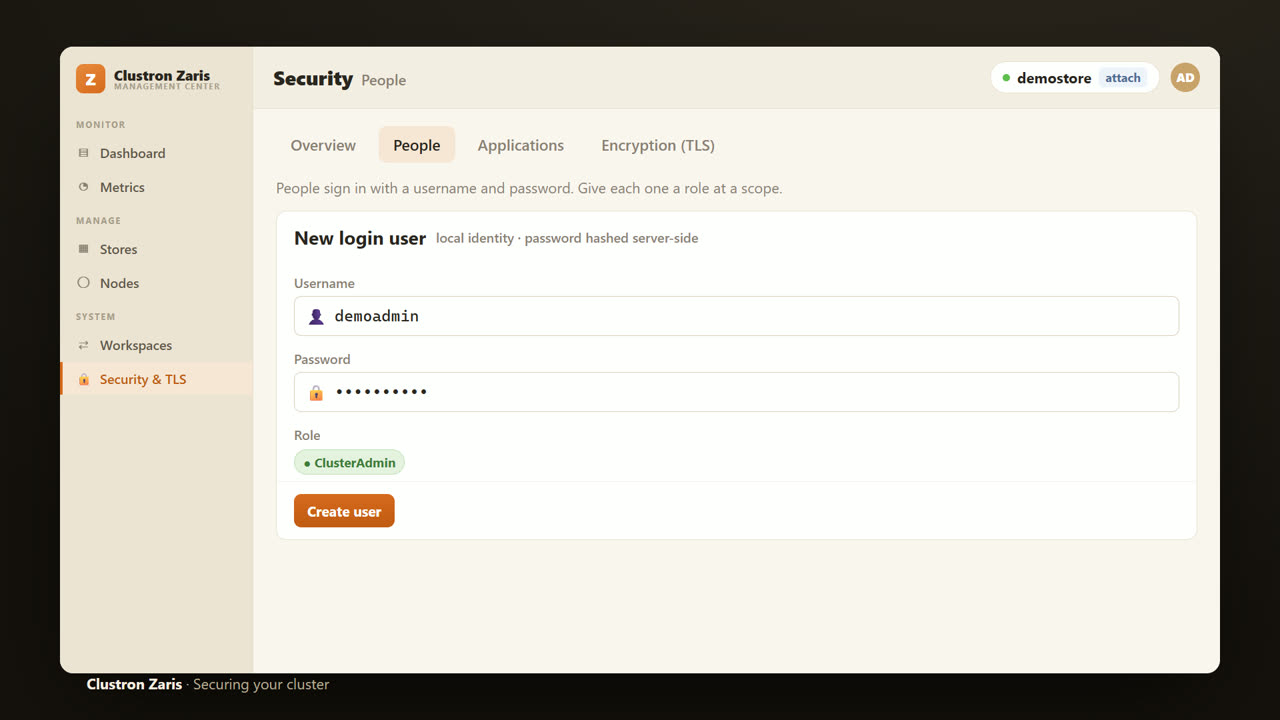
First, on the People tab, we create our login. A username, and a password, with a role. This is the credential you use to sign into the console and run admin commands. Remember. A credential is a person.
Securing a Distributed .NET Cache — Authentication & RBAC — screen 7
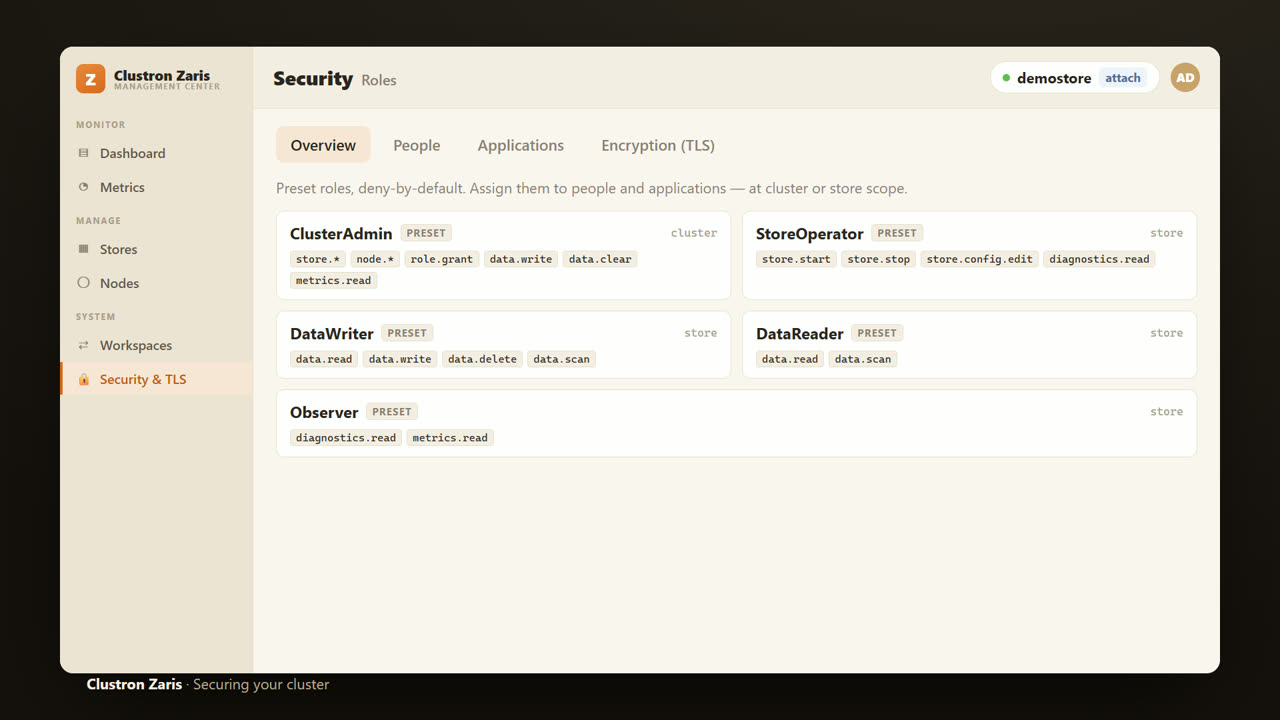
And these are the roles you assign. Cluster Admin, for full control. Store Operator, to run a store. Data Writer, and Data Reader, for applications that write, or just read. And Observer, for read only metrics and diagnostics. It is deny by default. A caller can only do what a role explicitly grants.
Securing a Distributed .NET Cache — Authentication & RBAC — screen 8
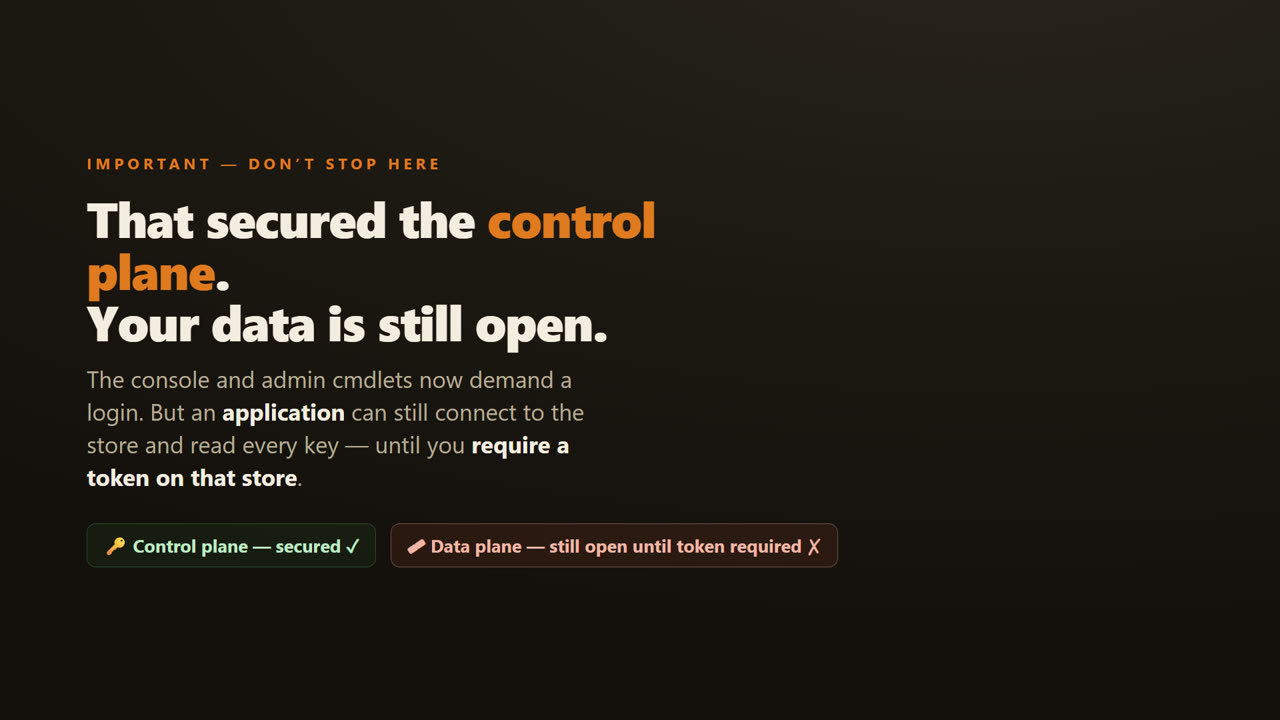
Now, the mistake to avoid. Everything so far secured the control plane. The console, and the admin commands. But your data is still open. An application can connect to the store and read every key, until you require a token on that store.
Securing a Distributed .NET Cache — Authentication & RBAC — screen 9
Part two. Secure the data plane. Per store.
Securing a Distributed .NET Cache — Authentication & RBAC — screen 10
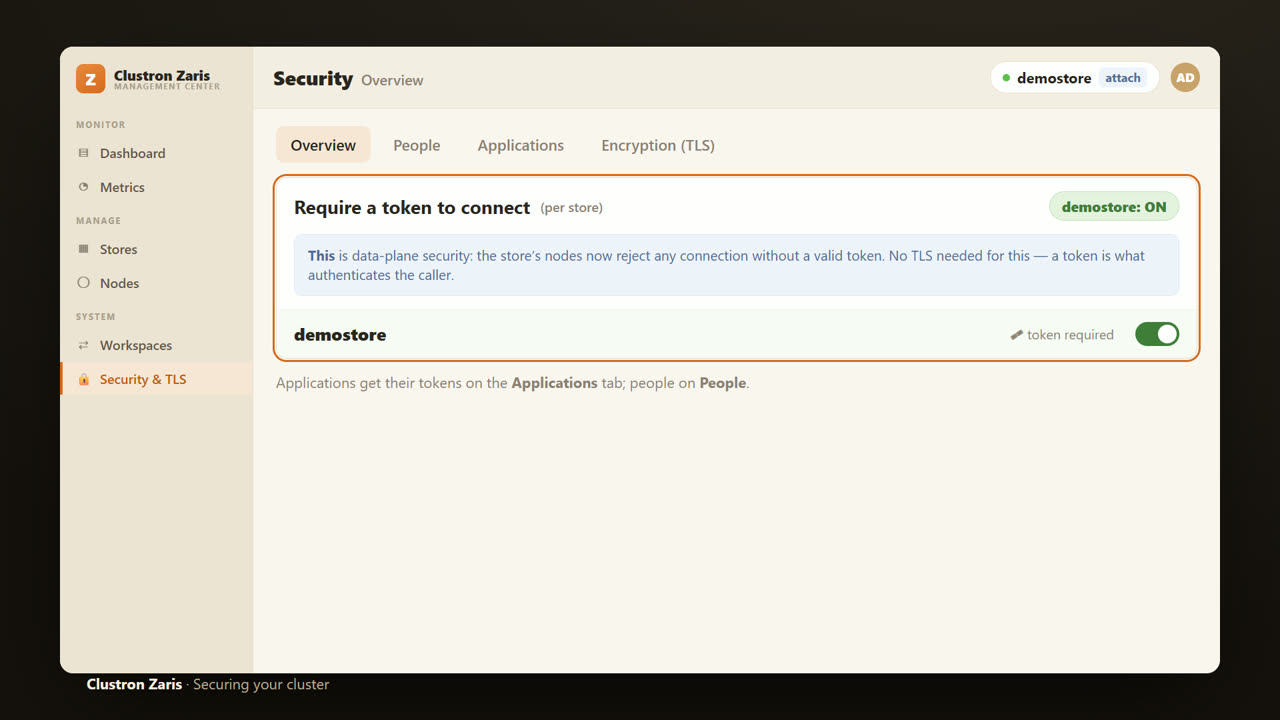
So back on the Overview page, we flip that per store switch. Require a token to connect, on, for demostore. This is data plane security. The store's nodes now reject any connection that does not present a valid token. A token is what authenticates the caller.
Securing a Distributed .NET Cache — Authentication & RBAC — screen 11
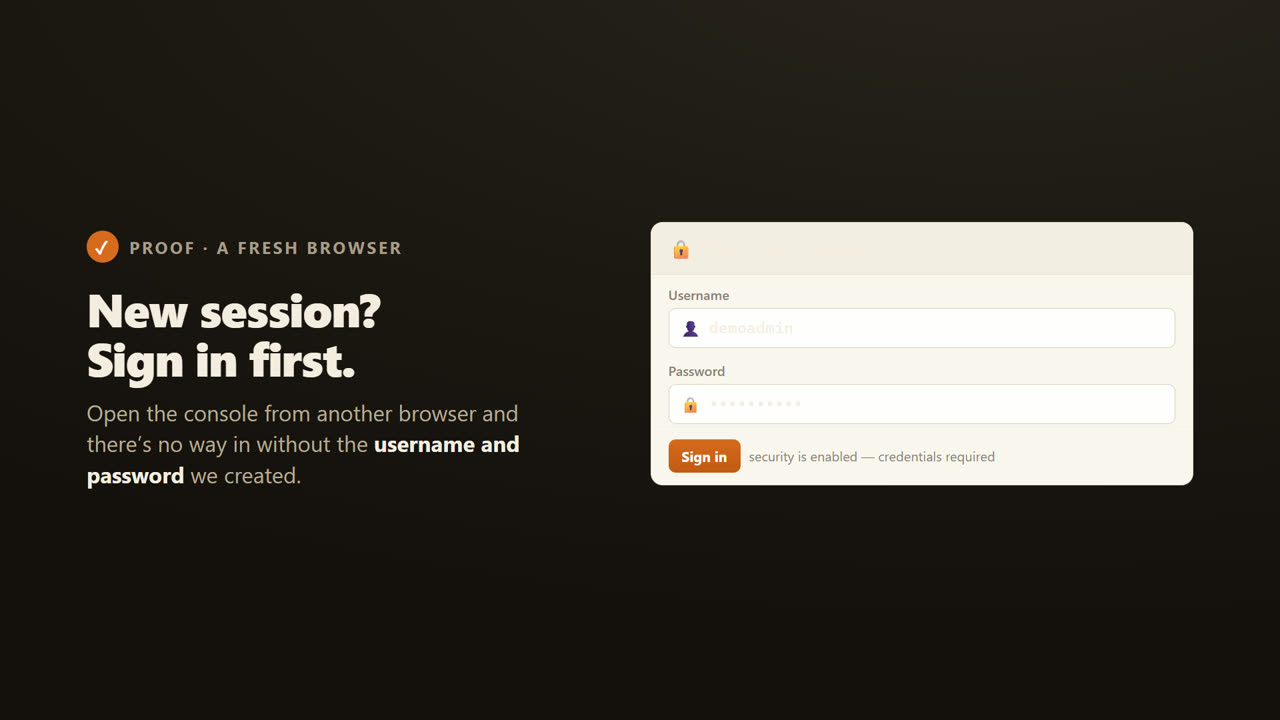
Let us prove the control plane is locked. Open the console from a fresh browser, and there is no way in without the username and password we created.
Securing a Distributed .NET Cache — Authentication & RBAC — screen 12
Part three. Let us prove the control plane, from Power Shell.
Securing a Distributed .NET Cache — Authentication & RBAC — screen 13
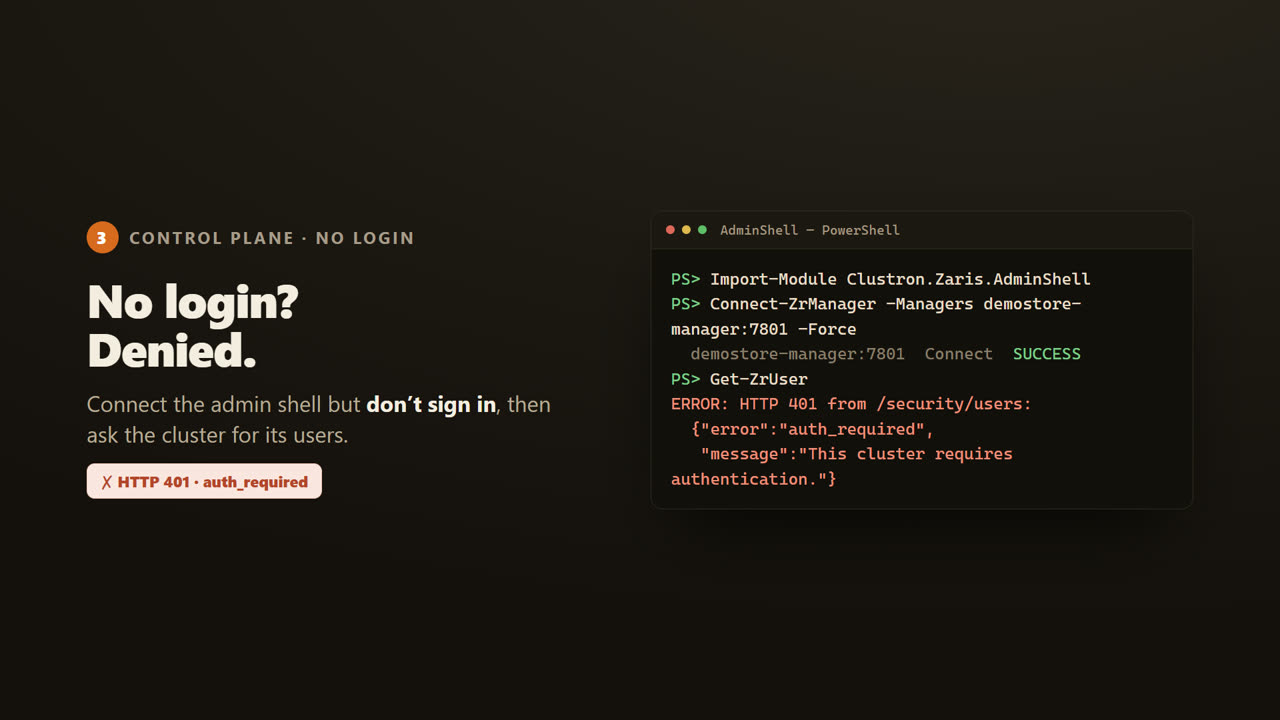
Operators script, too. Here is the admin shell. I connect, but I do not sign in, then ask the cluster for its users. Denied. HTTP 401. This cluster requires authentication.
Securing a Distributed .NET Cache — Authentication & RBAC — screen 14
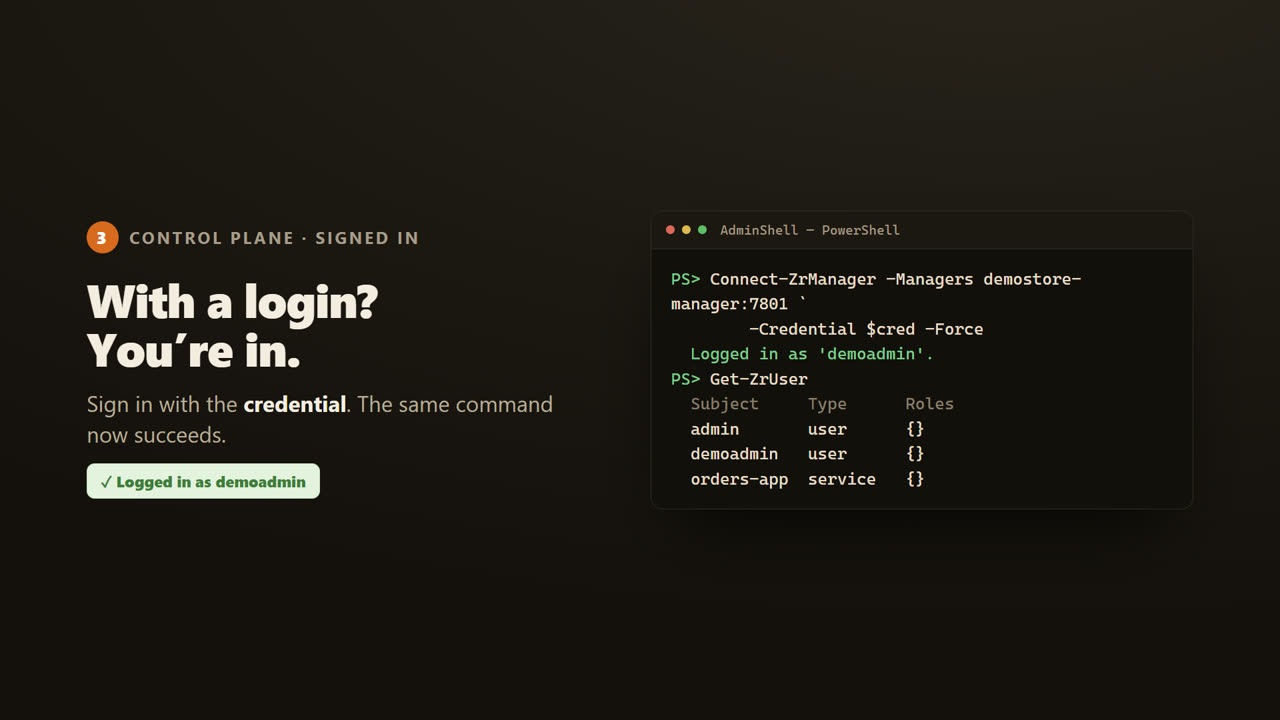
Now I sign in with my credentials. Logged in as demo admin. The very same command now succeeds, and lists the users.
Securing a Distributed .NET Cache — Authentication & RBAC — screen 15
Part four. Your application, on the data plane.
Securing a Distributed .NET Cache — Authentication & RBAC — screen 16
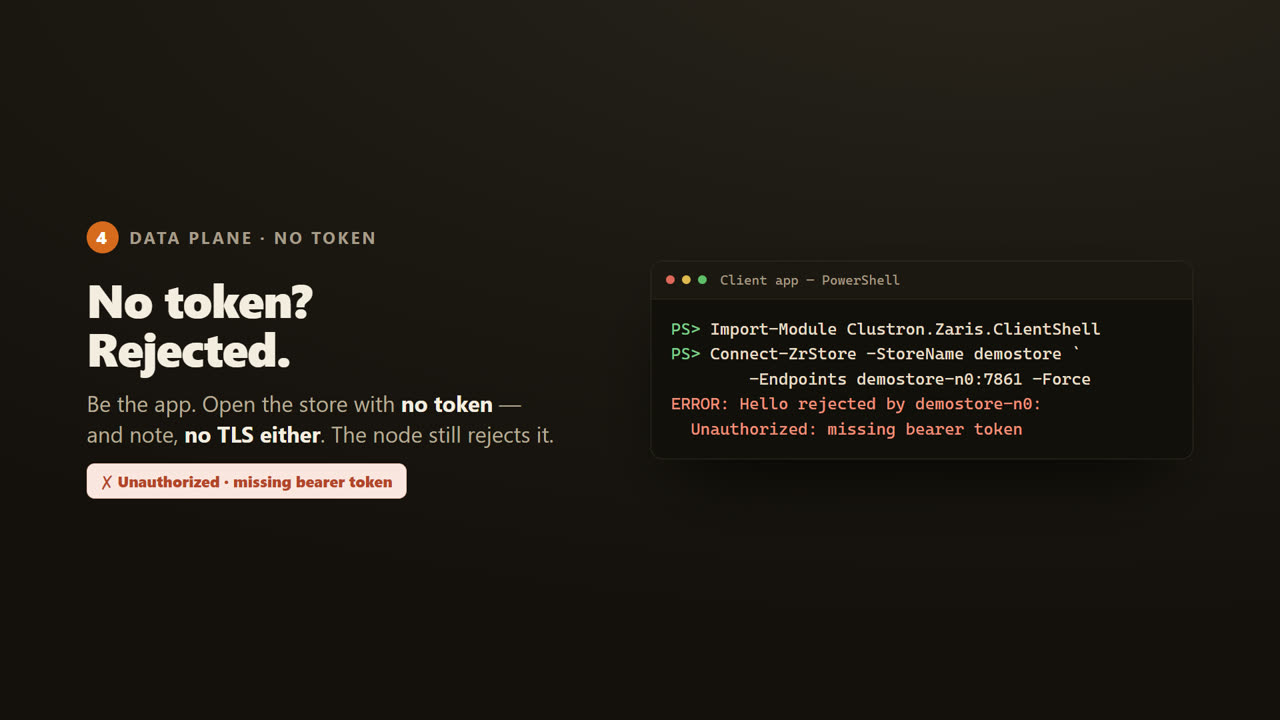
Now be the application. It opens the store with no token. The node rejects it. Unauthorized, missing bearer token. That is the token doing the work.
Securing a Distributed .NET Cache — Authentication & RBAC — screen 17
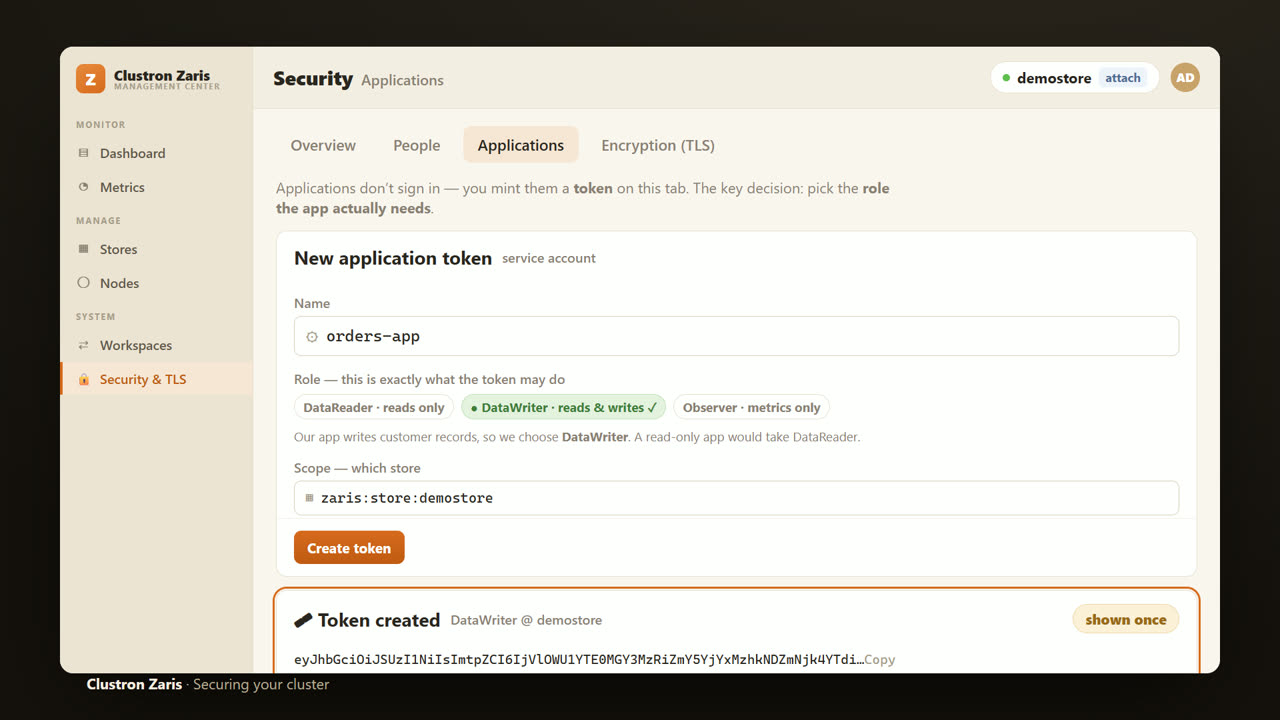
So the app needs a token. And you mint it right here in the console, on the Applications tab. Here is the key decision. You pick the role the app actually needs. Our app writes customer records, so we choose Data Writer. An app that only reads would take Data Reader. We scope it to demostore, and create. The console returns the token, shown once. You copy it into an environment variable, or a Kubernetes secret. The role you picked is exactly what that token can do. Nothing more.
Securing a Distributed .NET Cache — Authentication & RBAC — screen 18
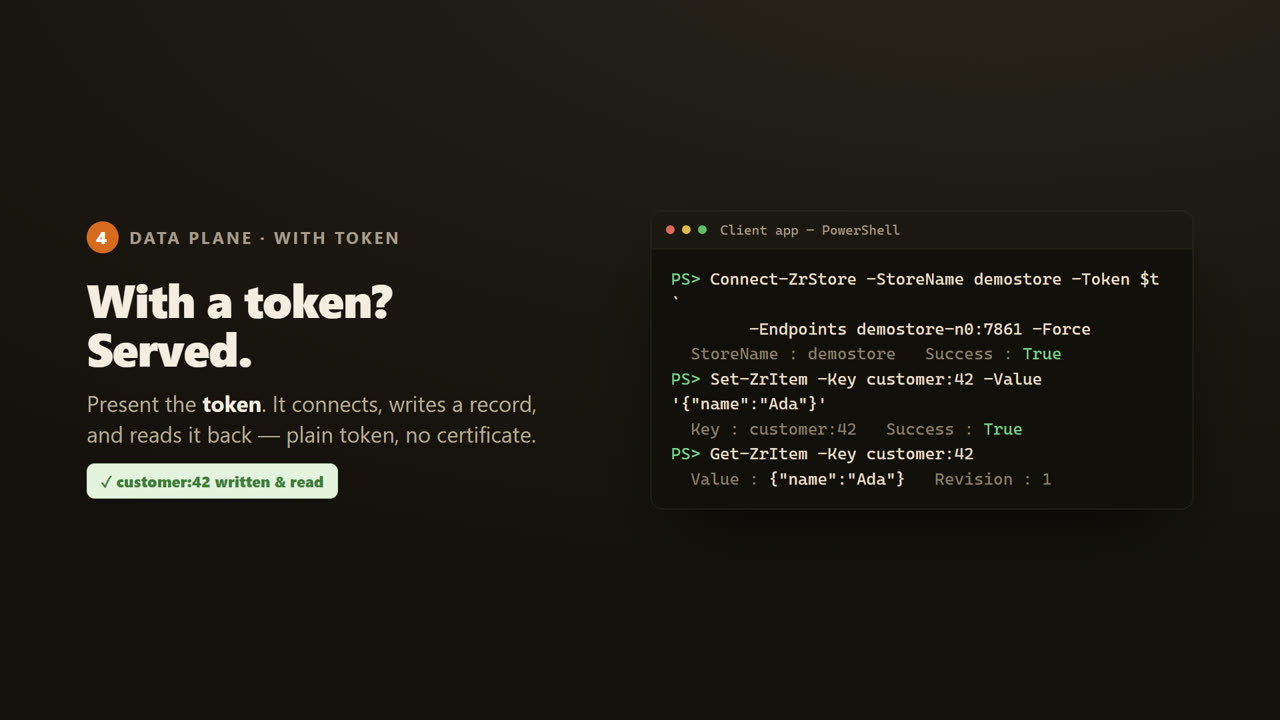
Now the app presents that token. It connects, writes a customer record, and reads it straight back. The same store that refused us, now open, because we brought the right key, with the right role.
Securing a Distributed .NET Cache — Authentication & RBAC — screen 19
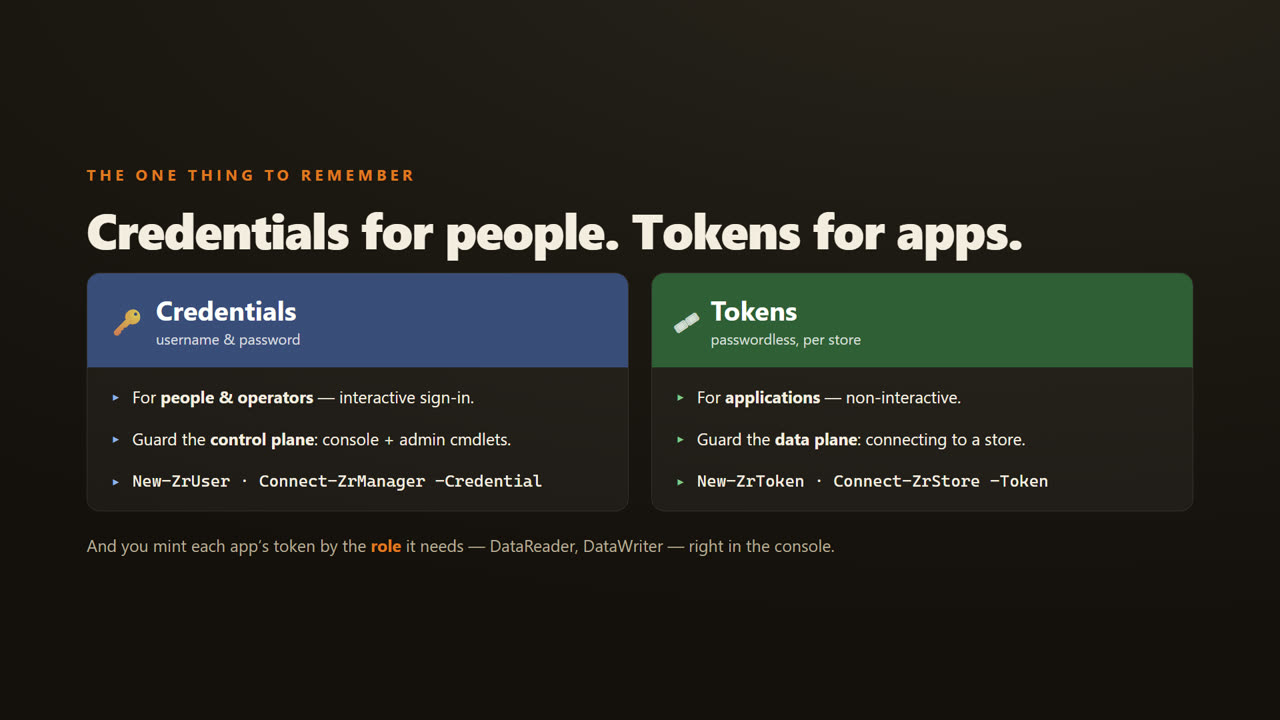
So, the one thing to remember. Credentials, a username and password, are for people, guarding the control plane. Tokens are for applications, guarding the data plane. And you mint each app's token by the role it needs, Data Reader or Data Writer, right in the console.
Securing a Distributed .NET Cache — Authentication & RBAC — screen 20
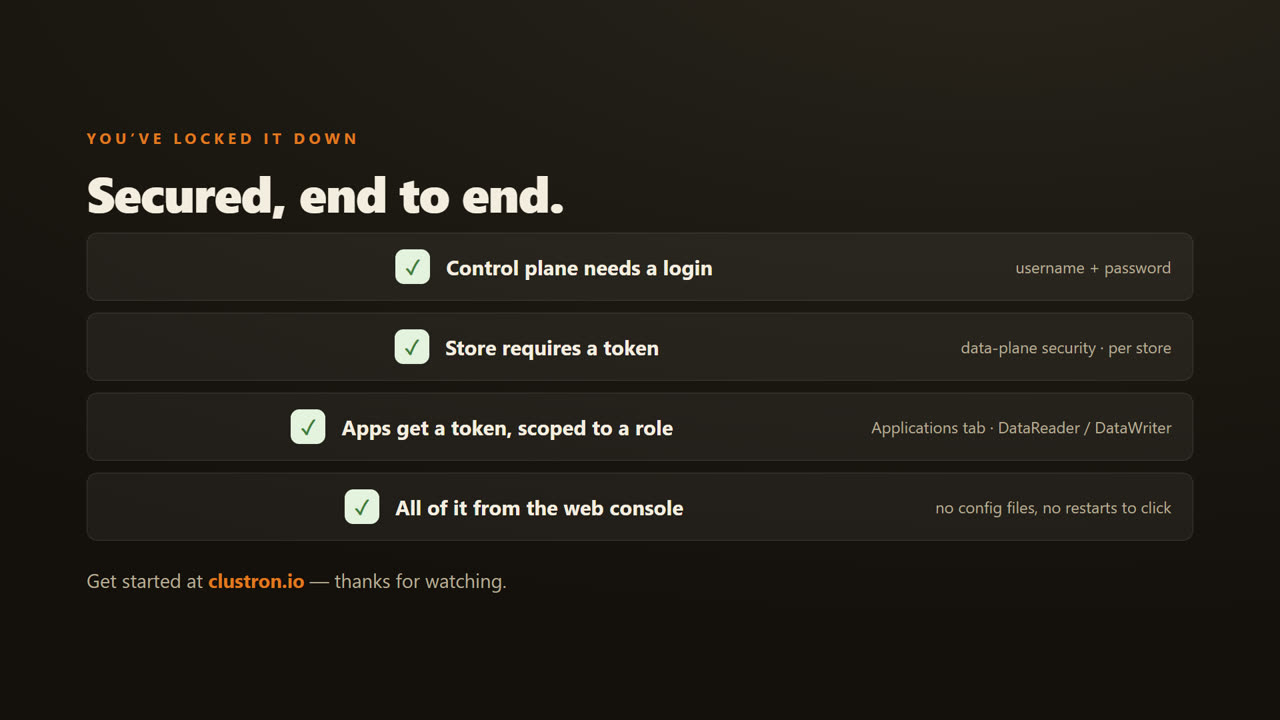
That is a fully secured cluster, all from the web console. The control plane needs a login. The store requires a token. And each app gets a token, scoped to the role it needs. Head to clustron dot i o to get started. Thanks for watching.